The Best Rank Tracking Software in 2026, Compared on What Matters
The best rank tracking software in 2026 does three things Search Console cannot: it records positions daily for a fixed location and device, it tracks your competitors on the same keywords, and it tells you the moment something drops. The newest tools go one step further and open a task when a drop happens. Below is how five leading tools compare on the seven criteria that separate them, and which one fits a D2C brand, an agency or a solo founder.
TL;DR
- Search Console shows averaged positions across all impressions; a rank tracker samples a specific SERP daily so you can see cause and effect.
- The seven criteria that matter: daily updates, location and device, SERP-feature and AI Overview tracking, e-commerce category support, drop alerts, reporting integrations, and whether the tool acts on a drop.
- AccuRanker and SE Ranking are strong on pure tracking; Ahrefs and Semrush bundle tracking into research suites; only one of the five compared turns a drop into an executed task.
- For a D2C store with 200 to 5,000 SKUs, pick on category tagging and alerts tied to revenue pages, not on keyword volume limits.
Want this running on your own keywords? Scalnex tracks rankings daily, alerts you when a page drops and opens the fix as a task. Book a 30-minute demo →
Search Console tells you what happened on average; a rank tracker tells you what happened today
Google Search Console reports an average position across every impression a query received, blended over locations, devices and the date range you selected. If your product page ranked 3 in Mumbai and 14 in Delhi, Search Console reports something near 8 with no way to separate the two. It also has no competitor data and a two- to three-day delay.
Rank tracking software requests a specific SERP (keyword, city, device) on a schedule and records where your URL and your competitors' URLs appear. That makes it a time series you can line up against the changes you shipped, which is the only way to learn what moved a position.
Seven criteria decide which rank tracker is worth paying for in 2026
1. Daily updates by default
Weekly tracking hides the pattern you most need to see: a drop that started on Tuesday after you changed a template. Daily sampling lets you connect a position change to a specific deploy, a competitor's new page or a Google update rollout.
2. Location and device as first-class dimensions
For an Indian D2C brand, "running shoes for men" in Bengaluru and in Jaipur are different SERPs with different Shopping units and competitors. Mobile and desktop differ too, and most e-commerce traffic is mobile. You need to choose a city and a device per keyword, not per account.
3. SERP-feature and AI Overview tracking
Position 1 under an AI Overview, a Shopping carousel and a People Also Ask block is not the same click-through rate as position 1 on a clean SERP. A good tracker records which features appeared and whether your page was cited inside the AI Overview. This is where most "rankings held but traffic fell" cases are explained.
4. E-commerce category and SKU support
You need to tag keywords by product category, see whether the category page or a product page is ranking for each term, and spot cannibalization where both compete. Bulk import from a product feed and template-level grouping (all /collections/ pages vs all /products/ pages) save hours at thousands of SKUs. Our guide to rank tracker software for ecommerce websites covers the keyword selection method in detail.
5. Alerting on drops that matter
Any tool can email you when a keyword falls. The useful version lets you set thresholds per keyword group (3 positions for money keywords, 10 for long tail), ignores single-day wobbles, and groups a sitewide drop into one alert instead of 400. See how to set alerts when rankings drop for thresholds that hold up.
6. Reporting integrations
If your reporting lives in Looker Studio or a Google Sheet, the tracker needs a connector or a scheduled export, or someone copies numbers by hand every Monday. We walk through the options in Looker Studio rank tracker integrations.
7. Does it act on the drop or only report it?
A traditional tracker's job ends at the alert; a person then opens the page, diagnoses the cause and schedules a fix. Tools built around autonomous agents take the next step: when a page decays, they draft the refresh, propose internal links from stronger pages, or flag a cannibalizing URL, and queue it as a task. For a two-person team this is the difference between tracking as a report and tracking as a system.
Comparison table: five rank trackers on the seven criteria
| Criterion | Scalnex | Ahrefs Rank Tracker | Semrush Position Tracking | SE Ranking | AccuRanker |
|---|---|---|---|---|---|
| Daily updates | Daily by default, with drop alerts | Update frequency depends on plan tier; daily available on higher tiers | Daily by default | Daily available; frequency configurable by plan | Daily by default, with on-demand refresh |
| Location and device | Per keyword, city level, mobile and desktop | Per project location; mobile and desktop | Per keyword, down to ZIP/city; mobile and desktop | Per keyword, city level; mobile and desktop | Per keyword, city level; mobile and desktop |
| SERP features and AI Overviews | Tracks SERP features and AI Overview presence | Tracks SERP features | Tracks SERP features including AI Overviews | Tracks SERP features | Tracks SERP features including AI Overviews |
| E-commerce category / SKU support | Keyword tagging by category, page-type grouping, category vs product cannibalization detection | Tags and keyword groups; no e-commerce-specific grouping | Tags and keyword groups; cannibalization report | Tags and groups; cannibalization report | Tags, segments, and dynamic filters |
| Alerts on drops | Threshold alerts per keyword group, grouped for sitewide events | Email alerts on position changes | Triggers for position changes, visibility and SERP features | Email alerts on position changes | Alerts via email, Slack and other integrations |
| Reporting integrations | Scheduled exports, Google Sheets, WordPress plugin | Scheduled email reports; API on higher tiers | Looker Studio connector, PDF reports, API | Looker Studio connector, white-label reports, API | Looker Studio connector, Google Sheets, API |
| Acts on a drop | Yes: opens a refresh, internal-link or cannibalization task and executes it | No: reports | No: reports (content tools are separate) | No: reports | No: reports |
Ahrefs and Semrush are research suites first; their trackers are one module among backlink, keyword and audit data, which is why many teams already have them. AccuRanker is the most focused pure tracker here and is fast at scale.
Which rank tracker fits your situation
Solo founder, one site, under 100 keywords
You need daily data, a few locations and alerts. SE Ranking or AccuRanker will do this cleanly; if you already pay for Ahrefs or Semrush, their tracker is fine at this size. The real risk is tracking 300 keywords you will never act on; start with the 30 that map to pages making money.
D2C brand with 200 to 5,000 SKUs
Your problem is structure, not volume. You need category tagging, page-type grouping and alerts weighted toward revenue pages. Semrush and SE Ranking cover this with tags and cannibalization reports; AccuRanker covers it with segments. A task-based tracker adds the step that matters most when your team is two people: when a category page slips, it drafts the refresh rather than adding a row to a report.
Agency with many clients
Prioritize white-label reporting, a Looker Studio connector and per-client workspaces. SE Ranking and AccuRanker are built for this. For e-commerce clients, the "acts on a drop" criterion becomes a margin question: automated refresh tasks cut hours billed to maintenance.
Enterprise with tens of thousands of keywords
Sampling cost and API access decide it. AccuRanker and Semrush scale well here, and most enterprise teams feed the data into their own warehouse. Evaluate on API rate limits and historical retention, not on the dashboard.
"Rank tracking with tasks" is the next step, and it changes what you fix first
People search for "seo rank tracking software with tasks" because they noticed the gap: the tracker knew about a drop on Tuesday, and the fix shipped three weeks later after someone read the report. The handoff was the problem.
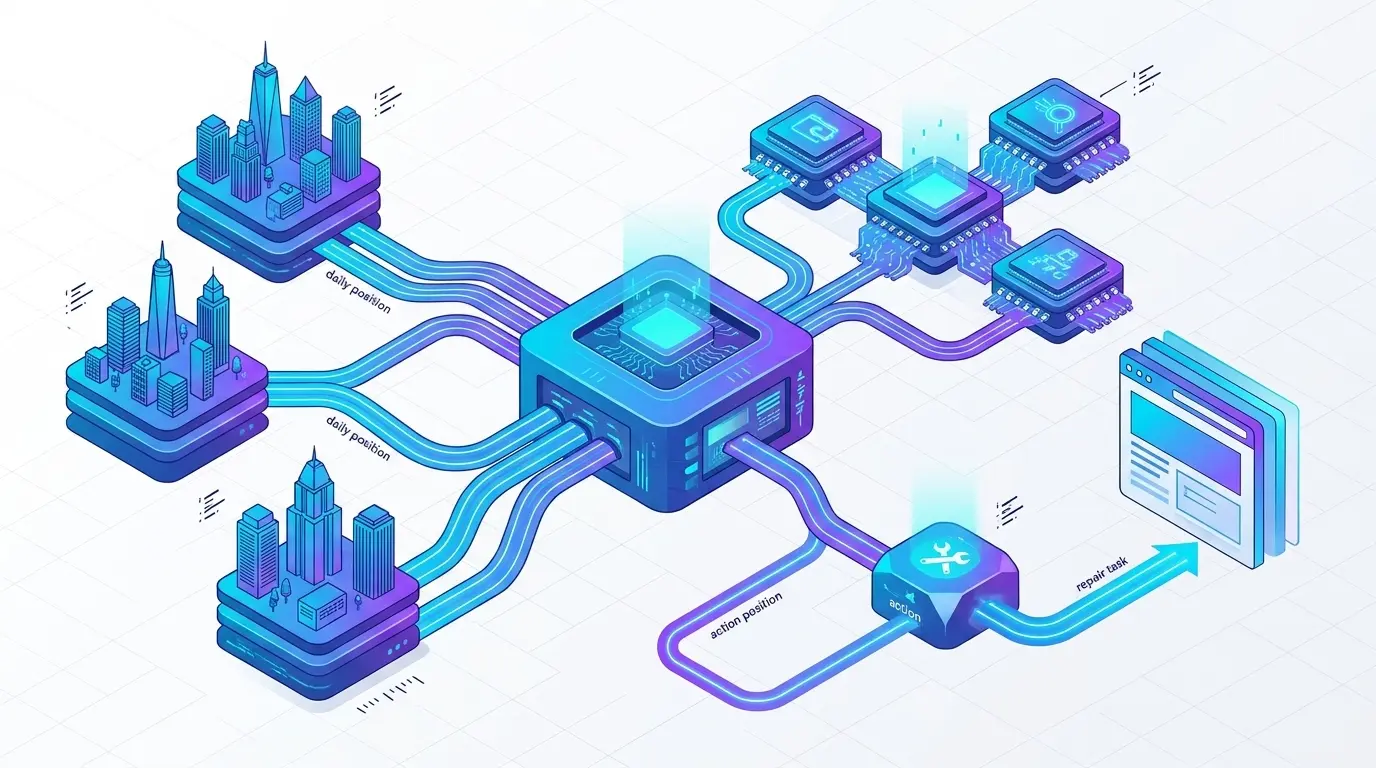
A task-based tracker closes the loop. A drop on a tagged money keyword creates a task with a diagnosis attached: title changed, competitor published a longer page, product page outranking category page. The task carries the proposed action (refresh the intro and FAQ, add three internal links, canonicalize the weaker URL) and, where the platform has publishing access, executes it.
This is what Scalnex's keyword tracking does differently from the other four tools in the table: the agent that detects the drop is connected to the agents that write, link and publish. For the decision loop itself, see how to turn rank tracking data into organic growth.
Set up tracking so the data is usable in week one
Group keywords by intent, not by alphabet. "Buy", "best", "vs" and "how to" terms behave differently and need different alert thresholds. A 5-position drop on a "buy" term is urgent; on a "how to" term it is a Thursday job.
Tag every keyword with its product category and its intended landing page. The second tag makes cannibalization visible: when the ranking URL stops matching the intended URL, the tracker can name the problem.
Run a baseline week before you judge anything. Record each keyword's normal daily range, then set alert thresholds slightly outside it.
Track three competitors per keyword group, chosen from the SERP, not from your sales deck. The brands you compete with in search are often not the ones you compete with in retail.
FAQ
How often should ranks update?
Daily. Weekly data cannot be lined up against deploys, competitor publishes or Google update rollouts, so you lose the ability to attribute a change to a cause. If daily sampling is noisy for a keyword, that volatility is itself information: the SERP is unstable or the query has mixed intent.
Why does my rank tracker disagree with Search Console?
Search Console reports an average position across every impression, blended over all locations, devices and days in your range. A tracker samples one SERP at one place and time. Both are correct for what they measure. Use Search Console for clicks and impressions, the tracker for day-level position changes on a specific SERP.
Can a rank tracker track Google Shopping or category pages?
Category pages yes, on any tracker; tag them by page type so you can see category versus product performance. Shopping carousels are tracked as a SERP feature by most tools, which tells you whether a Shopping unit appeared, though not every tool reports whether your product is inside it. Check that specific capability before buying.
Is daily tracking worth it for a small site?
Yes if you track few keywords. A small site with 30 money keywords benefits more from daily data than a large site with 3,000, because each keyword matters more and you can act on every alert. The cost of daily tracking scales with keyword count, so keep the list tight rather than slowing the frequency.
Pick the tracker that matches your structure, then stop reading reports. If you want to see what it looks like when a position drop becomes a refresh task that is drafted, linked and published without a meeting, book a Scalnex demo and bring your own keyword list; we will run it on your site live.