How to Choose the Right WordPress Plugin
Building a high-performing website shouldn't require endless lines of custom code or an enterprise-level budget. The right WordPress plugin can instantly transform a standard website into a dynamic, revenue-generating engine by automating workflows, enhancing SEO, and supercharging user engagement. However, navigating thousands of available tools to find solutions that deliver scalable results can feel overwhelming. In this guide, we break down how to choose, implement, and optimize the essential WordPress plugin stack to elevate your digital presence and drive sustainable growth.
How to Install and Configure the Scalnex WordPress Plugin for Automated SEO Publishing
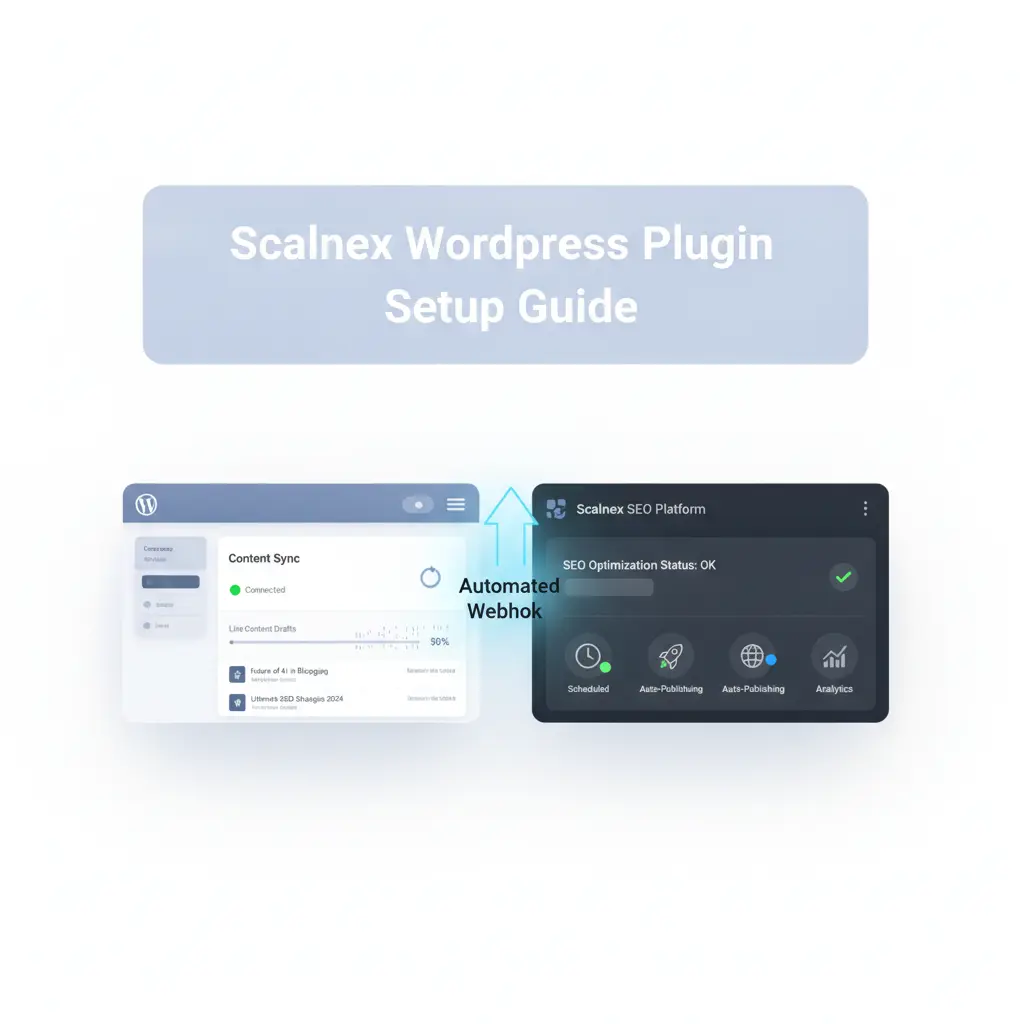
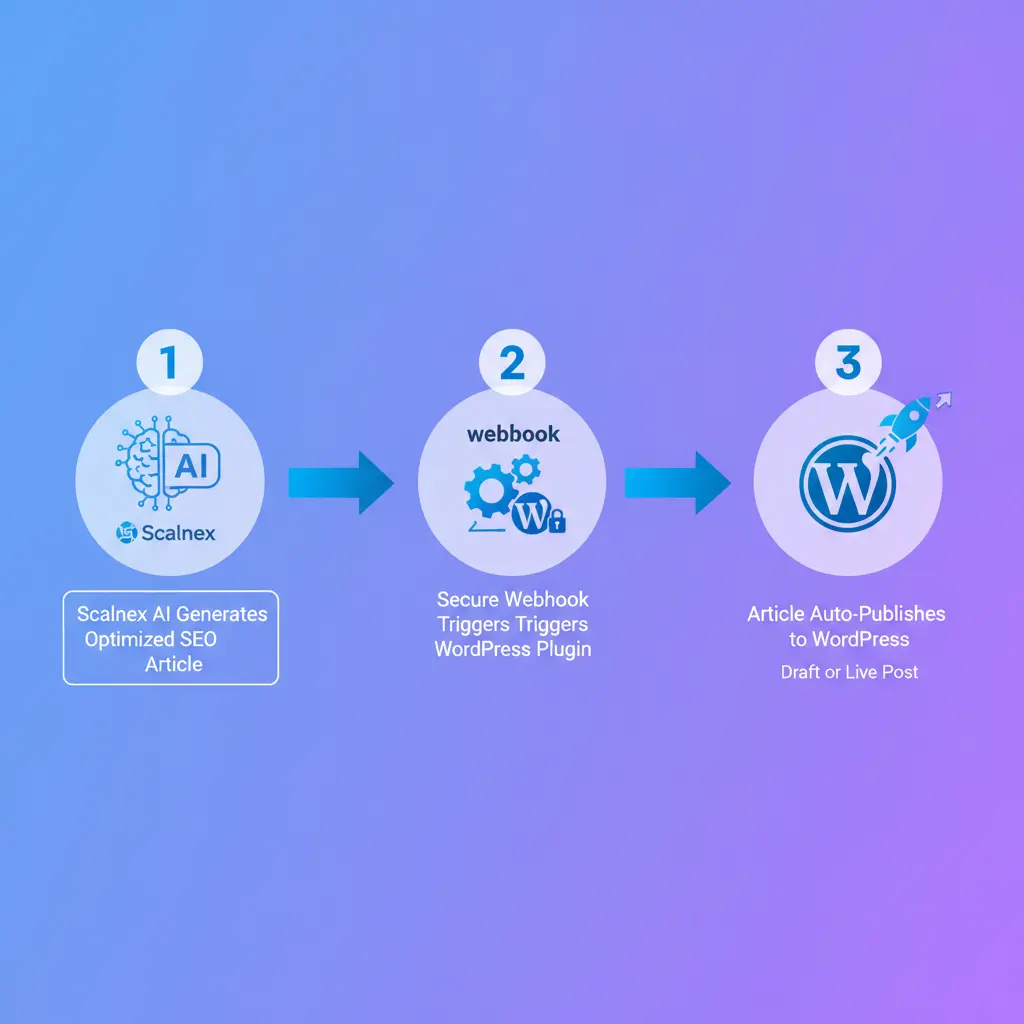
The new Scalnex WordPress plugin directly bridges AI-driven content generation with your website. Instead of wasting time on manual copy-pasting and formatting, you can deploy complete content automation from your Scalnex dashboard. The system delivers complete, ready-to-rank articles straight to your blog database in seconds.
Using a secure webhook integration, the plugin enables instant, automated SEO publishing. Scalnex transfers your optimized text, headers, meta tags, and featured images without altering your site layout. You control draft statuses, categories, and author tags before the content ever goes live.
This direct connection helps you scale production while maintaining high editorial standards and sharp content optimization. Follow the simple steps below to install the WordPress plugin, configure your API keys, and automate your publishing pipeline today.
Step-by-Step Installation: 2 Ways to Set Up the Scalnex Plugin
Follow this implementation guide to integrate the official WordPress plugin on your site and enable reliable automated blog publishing directly from your Scalnex dashboard.
Method 1: Upload via WP Admin (Recommended)
- Log in to your WordPress admin panel (
yoursite.com/wp-admin). - Navigate to Plugins → Add New Plugin in the left-hand menu.
- Click Upload Plugin, select the
scalnex-seo-blog-webhook.ziparchive from your device, then click Install Now. - Click Activate Plugin once the installation completes.
- Go to Settings → Scalnex SEO Webhook in the sidebar.
- Copy the unique Scalnex SEO webhook URL generated for your website.
- Paste the URL into your Scalnex project dashboard under destination integrations.
- Select publishing defaults (Draft vs. Publish immediately, post type, category, author) and click Save settings to activate publishing.
Method 2: Upload via FTP / File Manager (Managed Hosting)
- Unzip the
scalnex-seo-blog-webhook.zipfile onto your local computer. - Connect to your server environment via SFTP/FTP or your cPanel File Manager.
- Upload the unzipped
scalnex-seo-blog-webhookfolder directly into the/wp-content/plugins/directory. - Activate the plugin directly via WP Admin → Plugins → Installed Plugins.
- Complete configuration following Steps 5–8 from Method 1 to establish your webhook link. Consult our help documentation if needed.
Choosing the Right WordPress Plugin Installation Method
Selecting the proper approach for your WordPress plugin installation ensures seamless deployment and effortless subsequent WordPress plugin configuration. Standard users should use the native WP Admin dashboard for simplicity, while administrators operating on strict managed hosting environments with strict file execution rules or upload size limits should opt for FTP access.
| Method | Best Suited For | Technical Skill Level | Setup Time | Key Advantage |
|---|---|---|---|---|
| WP Admin Upload | Standard users and everyday website owners. | Beginner (No server access needed) | 1–2 minutes | Instant upload, automated extraction, and one-click activation directly within WordPress. |
| FTP / File Manager Upload | Strict managed hosting environments and restricted servers. | Intermediate to Advanced (Requires SFTP/cPanel) | 5–10 minutes | Bypasses PHP memory caps, maximum upload limits, and server execution timeouts. |
Automate Your Organic Growth with Scalnex and WordPress
Integrating the Scalnex WordPress plugin eliminates manual publishing friction and transforms how your team scales organic search visibility. By syncing your CMS directly with Scalnex's engine, you streamline content distribution and deploy high-performing pages in seconds. This automated pipeline ensures continuous content optimization, allowing your site to capture high-intent search traffic and scale rankings effortlessly.
Take complete control of your organic pipeline today. Download the official plugin zip file, connect your secure webhook in your project settings, and run your first automated publish workflow. Launch your automated distribution now to accelerate search performance and drive sustainable, compounding growth.
Yes. Within the Scalnex WordPress plugin settings, you can toggle your default publishing status between instant publish and draft mode. Setting it to draft allows your editorial team to review formatting, internal links, and metadata before releasing content.
If server execution time or upload limits cause the WP Admin installer to fail, upload the extracted plugin folder directly to your site’s /wp-content/plugins/ directory using FTP or cPanel File Manager, then activate it via the Plugins menu. Visit our help center for technical assistance.
Yes. The connection uses unique tokenized webhook URLs combined with encrypted authentication headers. This ensures only verified automation requests from your Scalnex account can interact with your site, safeguarding your WordPress environment against unauthorized publishing attempts.
Yes. The plugin provides complete configuration support for custom post types (CPTs), taxonomy categories, tags, and specific author assignments directly within the admin panel, streamlining your content optimization pipeline across any WordPress structure.